Mobile Phones & Tablets
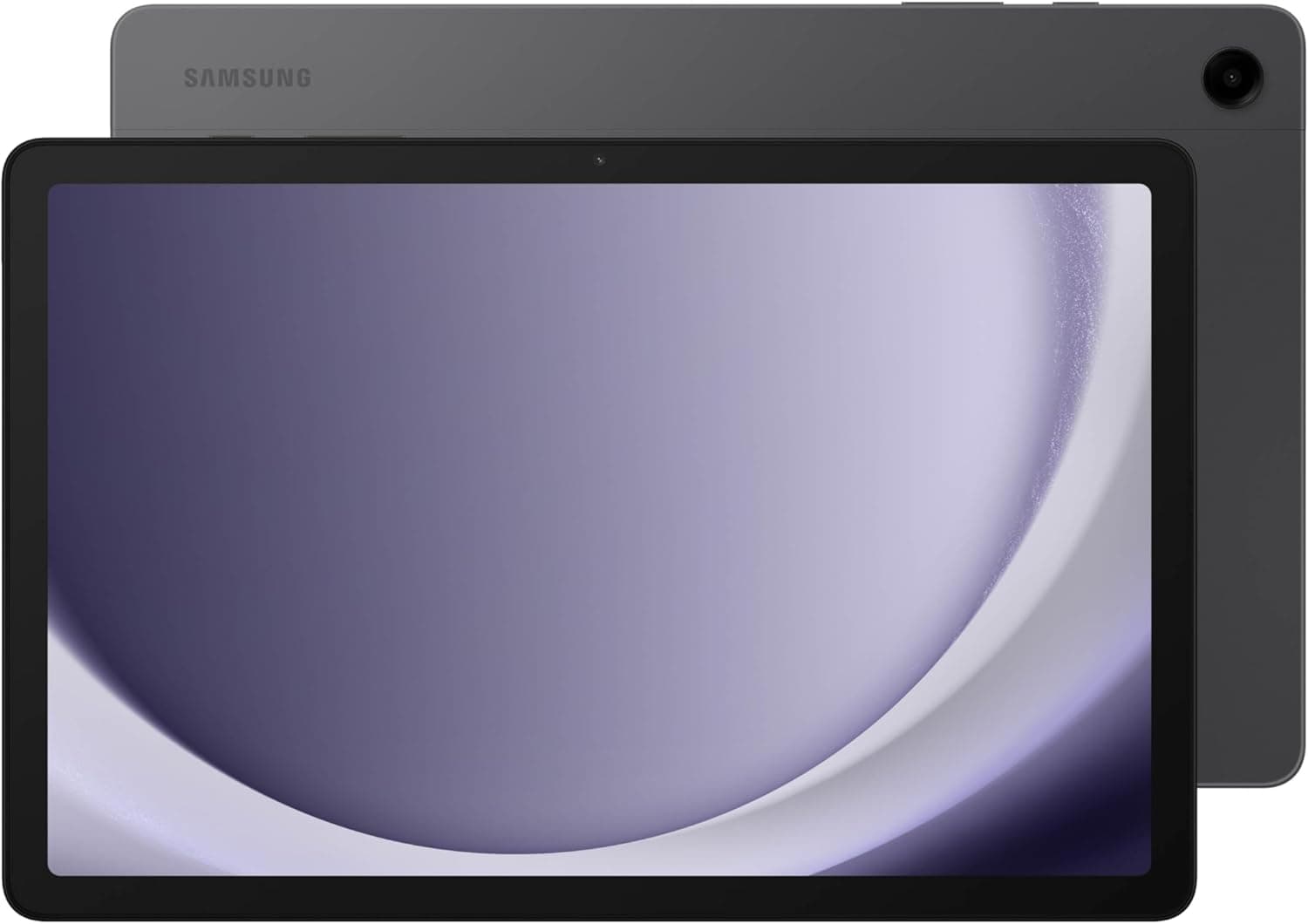
Samsung Galaxy Tab A9+ Review: A Genuinely Solid Budget Android Tablet for Families
- Brand:
- Samsung
- Ages:
- 6+ years
- Updated:
- 2026-07-09
The verdict
A smart budget pick specifically for family and casual use — the quad-speaker setup and built-in parental controls punch above the price point, but don't expect flagship-tablet performance.
Pros
- Quad-speaker setup is a genuine upgrade over typical budget tablets' thin, single-side audio
- Large, comfortable 11-inch display for the price tier, well suited to shared family media use
- Samsung's Kids Mode and parental controls are built in and genuinely functional, not an afterthought
- Meaningfully cheaper than iPad options while covering most mainstream family use cases well
Cons
- Performance is adequate for browsing and media but noticeably slower under heavier multitasking than premium tablets
- Build materials are more plastic-heavy than Samsung's premium Galaxy Tab S line
This review is based on Samsung's published Galaxy Tab A9+ specifications and the consistent pattern in buyer feedback: strong praise for audio quality and family-oriented features relative to price, with performance limitations under heavy multitasking as the expected budget-tier trade-off.
Audio quality is an unusually strong feature at this price
Quad-speaker setups are typically reserved for premium tablets. Including one here is a specific, notable value decision that buyers consistently flag as punching above the price tier, especially for shared family movie or video-call use.
Who it's for
Well suited to families wanting a shared media and browsing tablet with genuine parental controls, on a meaningfully lower budget than iPad or premium Android tablet alternatives.
Frequently asked
- Is this good for kids?
- Yes — Samsung's built-in Kids Mode and parental controls are genuinely functional on this model, not a stripped-down afterthought, making it a reasonable family tablet choice.
- How does it compare to a budget iPad?
- It's meaningfully cheaper than any current iPad option while covering most mainstream family use cases (browsing, video, media) well, though iPadOS's app ecosystem remains more mature than Android tablet apps overall.
You might also like
Mobile Phones & Tablets
Combo Touch Keyboard Case for iPad
Logitech · Ages 13+ years
- Two-piece magnetic design lets you detach the keyboard entirely and keep just the protective kickstand case for video or reading
- Kickstand offers more flexible viewing angles than Apple's Magic Keyboard, which is limited to a narrower recline range
- The trackpad clicks noticeably louder than Apple's Magic Keyboard, which some reviewers found distracting in quiet settings
Mobile Phones & Tablets
Anker Prime Power Bank (20K, 200W)
Anker · Ages 13+ years
- 200W total output across two USB-C ports and one USB-A port can genuinely fast-charge two laptops simultaneously, not just phones
- Real-time digital display shows exact battery percentage and wattage draw, rather than a vague 4-LED indicator
- At $129.99 list price, it's genuinely expensive for a power bank, even accounting for its high-end output
Mobile Phones & Tablets
Ultra Hybrid MagFit Case for Galaxy S25
Spigen · Ages 13+ years
- Dual-layer TPU-and-polycarbonate build stays slim while still passing Spigen's drop testing at 48 inches across repeated drops
- Built-in MagFit magnets add Qi2-style magnetic charging and accessory support to a phone that doesn't natively have it
- Clear cases, even with anti-yellowing coating, will still show some wear and micro-scratches over many months of use
Buy from Amazon