Laptops & Computers
Microsoft Surface Laptop Review: A Genuinely Premium Windows Laptop With Real Software Integration
- Brand:
- Microsoft
- Ages:
- 13+ years
- Updated:
- 2026-07-06
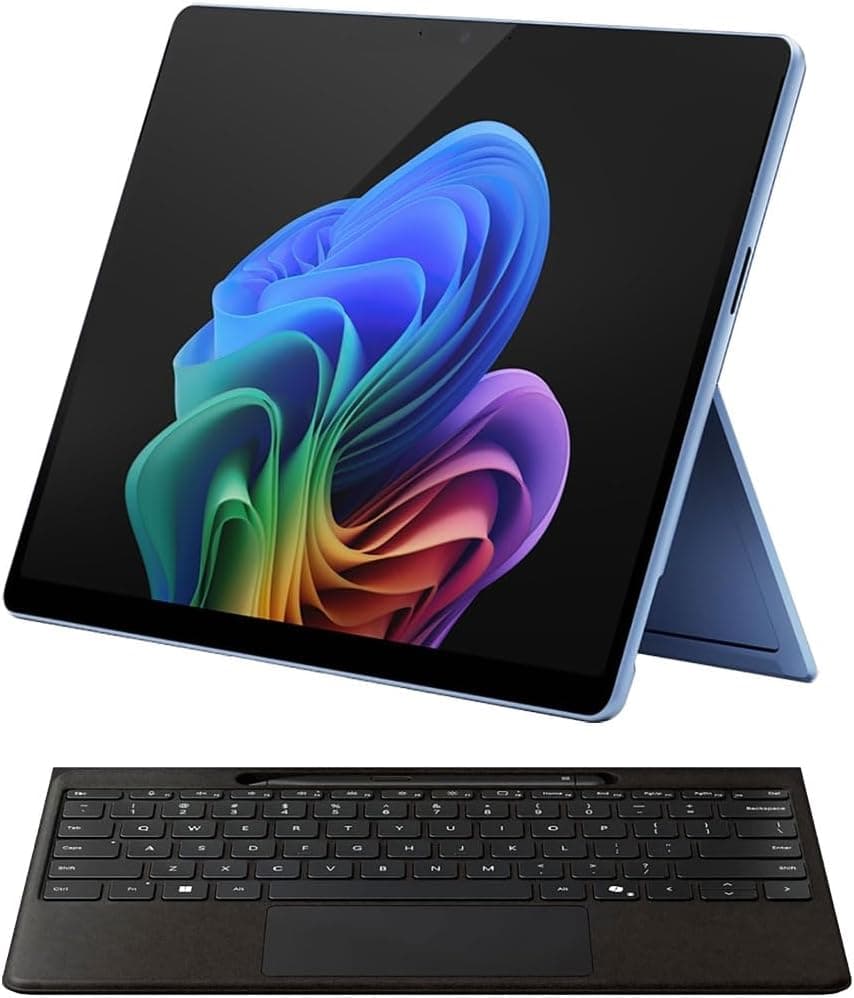
The verdict
A strong pick specifically for buyers who want the tightest possible Windows hardware-software integration — compare specs carefully against the price, since competitors often offer more raw performance for the same money.
Pros
- Premium build materials and a genuinely comfortable, well-cushioned keyboard for extended typing
- Touchscreen display is well-integrated with Windows 11's touch and pen features, not a bolted-on afterthought
- Tight hardware-software integration since Microsoft controls both, similar in philosophy to Apple's approach
- Strong display color accuracy for a Windows laptop in this price tier
Cons
- Limited upgradability and repairability compared to many other Windows laptop brands
- Premium pricing puts it in direct competition with better-specced alternatives at the same price
This review is based on Microsoft's published Surface Laptop specifications and the consistent pattern across independent reviews: strong praise for build quality and touch/pen integration specifically, with value-for-spec as the most commonly cited weakness versus competitors.
Software integration is the actual selling point
Because Microsoft controls both the hardware and Windows itself, features like touch, pen input, and Windows Hello facial recognition feel more cohesively integrated than on many third-party Windows laptops — that tight integration, not raw spec-for-dollar value, is the real reason to choose this over a cheaper alternative.
Who it's for
Best for buyers who specifically value touch and pen input integration and premium build feel, and who aren't purely optimizing for the best specs per dollar.
Frequently asked
- Is the touchscreen actually useful, or a gimmick?
- Genuinely useful if you use Windows 11's touch and pen features regularly — the integration is tighter than on most third-party Windows laptops since Microsoft controls both the hardware and software.
- Can I upgrade the RAM or storage later?
- Generally no — like most ultra-thin premium laptops, components are largely soldered and not user-upgradable, so choose your configuration carefully at purchase.
You might also like
Laptops & Computers
TS4 Thunderbolt 4 Dock
CalDigit · Ages 13+ years
- 18 total ports on one dock, including three Thunderbolt 4 ports, eight USB ports at full 10Gb/s speed, SD and microSD card readers, and 2.5GbE Ethernet
- Can drive up to two 6K, 60Hz external displays through its Thunderbolt 4 ports, or a single 1440p display at up to 240Hz
- At $399.99, it's priced well above basic USB-C hubs and even many competing Thunderbolt docks
Laptops & Computers
Brio 4K
Logitech · Ages 13+ years
- 4K resolution capture at up to 30fps, with smooth 1080p available at up to 60fps for video calls
- RightLight 3 automatic light correction noticeably improves image quality in dim or backlit rooms compared to built-in laptop webcams
- Priced well above typical 1080p webcams, and the gap has narrowed as competitors release capable 4K alternatives
Laptops & Computers
MX Keys S
Logitech · Ages 13+ years
- Typing feel is consistently praised across reviews as among the best in a low-profile wireless keyboard
- Switches between three devices over Bluetooth or the included 2.4GHz receiver, useful for anyone working across a laptop, desktop, and tablet
- The matching palm/wrist rest is sold separately as a $19.99 add-on rather than included
Buy from Amazon