Laptops & Computers
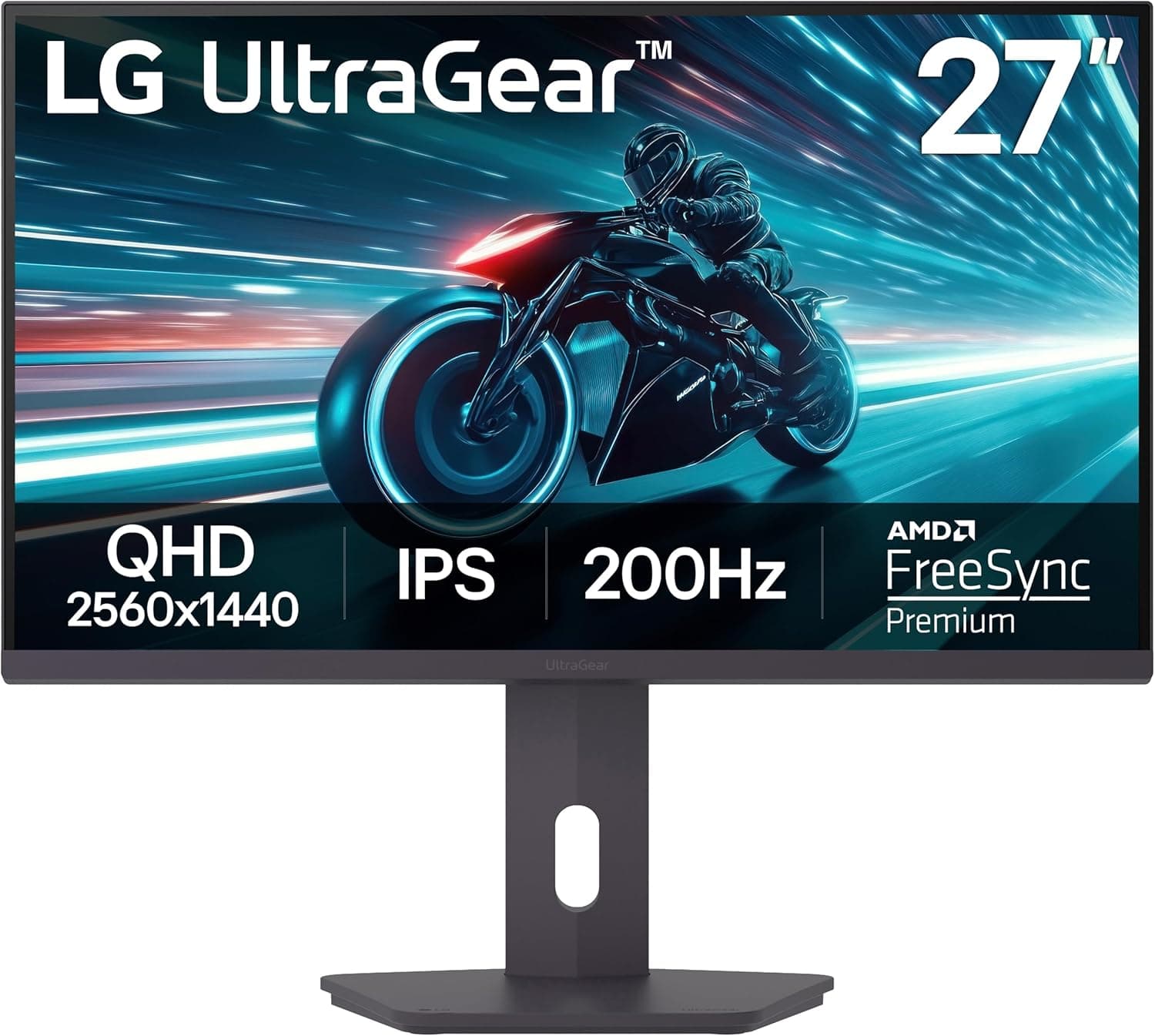
LG UltraGear 27-Inch Monitor Review: A Genuinely Strong All-Rounder for Work and Gaming
- Brand:
- LG
- Ages:
- 13+ years
- Updated:
- 2026-07-06
The verdict
A strong, well-rounded monitor choice for anyone splitting time between productivity work and gaming — don't buy it specifically for HDR performance, since that's a genuinely weaker aspect of the panel.
Pros
- High refresh rate (up to 165Hz depending on configuration) makes it genuinely capable for both gaming and everyday productivity smoothness
- IPS panel delivers accurate color and wide viewing angles better suited to creative work than cheaper TN panels
- QHD resolution strikes a practical balance between sharpness and the GPU power needed to drive it well
- Slim bezel design makes multi-monitor setups look cleaner than thicker-bezel competitors
Cons
- HDR performance is genuinely limited compared to monitors with proper local dimming zones — treat it as a bonus, not a headline feature
- Stand adjustability is more basic than premium monitor competitors, with some buyers preferring a VESA mount instead
This review is based on LG's published UltraGear specifications and the consistent pattern across independent monitor reviews: strong marks for the balance between refresh rate, color accuracy, and price, with HDR performance as the honest, commonly cited weak point.
A genuine all-rounder, not a specialist monitor
Rather than optimizing hard for one use case, this monitor balances refresh rate, resolution, and color accuracy well enough to handle gaming, general productivity, and light creative work competently — the trade-off is that it doesn't lead the category in any single one of those areas the way a more specialized, pricier monitor might.
Who it's for
Right for buyers wanting one monitor that handles both work and gaming well without buying two separate specialized displays — a poor choice specifically for HDR-focused content viewing or color-critical professional work.
Frequently asked
- Is this good for both gaming and work?
- Yes — the high refresh rate and IPS panel's accurate colors make it genuinely capable for both, which is the specific reason it's frequently recommended as an all-rounder rather than a specialist gaming or productivity monitor.
- Is the HDR any good?
- It's a genuinely limited implementation compared to monitors with proper local dimming zones — treat any HDR support as a minor bonus rather than a primary reason to buy this specific model.
You might also like
Laptops & Computers
TS4 Thunderbolt 4 Dock
CalDigit · Ages 13+ years
- 18 total ports on one dock, including three Thunderbolt 4 ports, eight USB ports at full 10Gb/s speed, SD and microSD card readers, and 2.5GbE Ethernet
- Can drive up to two 6K, 60Hz external displays through its Thunderbolt 4 ports, or a single 1440p display at up to 240Hz
- At $399.99, it's priced well above basic USB-C hubs and even many competing Thunderbolt docks
Laptops & Computers
Brio 4K
Logitech · Ages 13+ years
- 4K resolution capture at up to 30fps, with smooth 1080p available at up to 60fps for video calls
- RightLight 3 automatic light correction noticeably improves image quality in dim or backlit rooms compared to built-in laptop webcams
- Priced well above typical 1080p webcams, and the gap has narrowed as competitors release capable 4K alternatives
Laptops & Computers
MX Keys S
Logitech · Ages 13+ years
- Typing feel is consistently praised across reviews as among the best in a low-profile wireless keyboard
- Switches between three devices over Bluetooth or the included 2.4GHz receiver, useful for anyone working across a laptop, desktop, and tablet
- The matching palm/wrist rest is sold separately as a $19.99 add-on rather than included
Buy from Amazon