Laptops & Computers
MacBook Air M2 Review: Still the Laptop Most People Should Actually Buy
- Brand:
- Apple
- Ages:
- 13+ years
- Updated:
- 2026-07-06
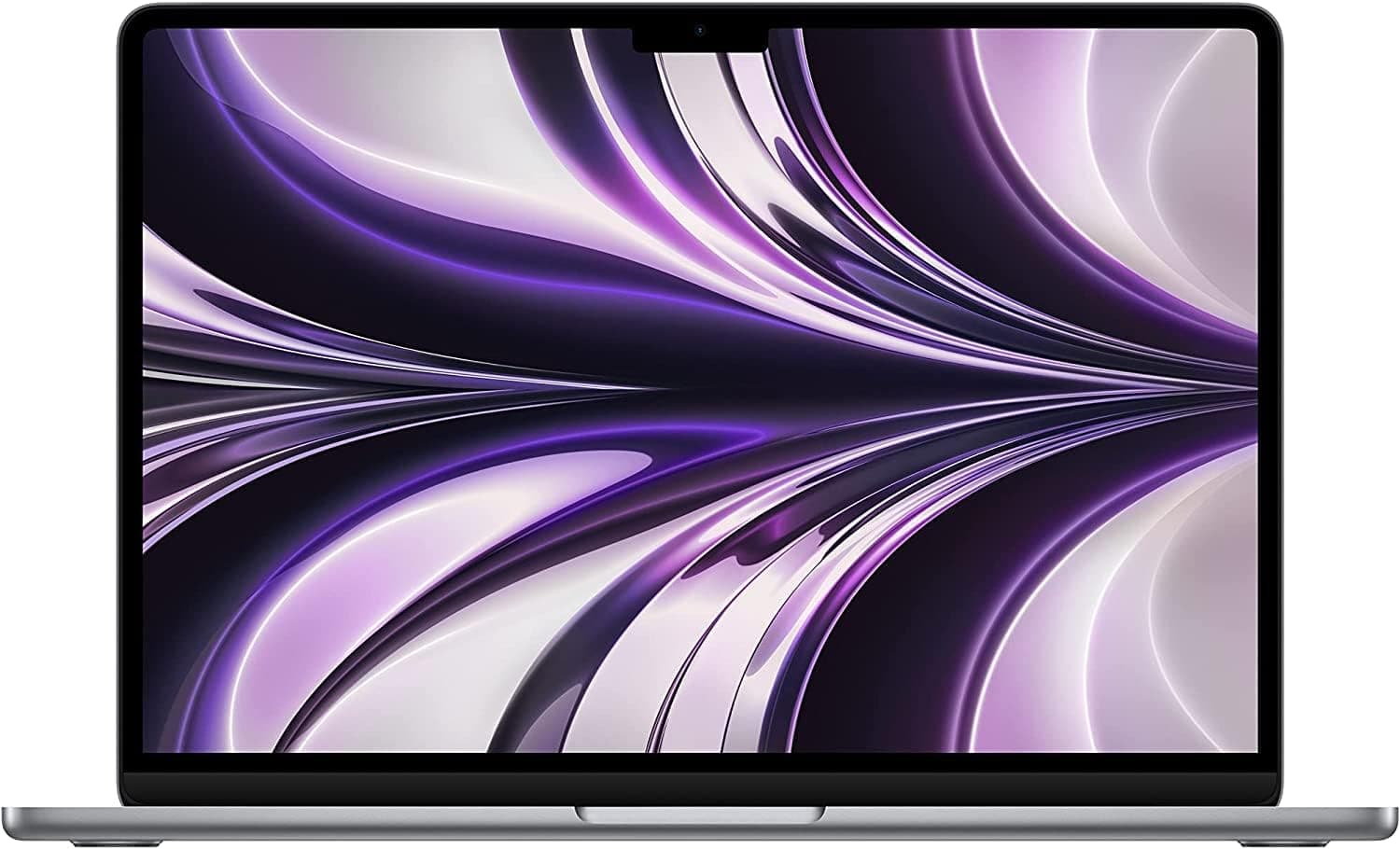
The verdict
The right default choice for most people who aren't doing sustained heavy compute work — buy the Pro line instead specifically if you regularly run demanding, sustained workloads.
Pros
- Fanless design means genuinely silent operation under normal daily workloads
- All-day battery life is consistently confirmed across independent testing, not just Apple's marketing figures
- M2 chip handles mainstream productivity, browsing, and light creative work smoothly years after release
- Thin, light build makes it one of the more travel-friendly laptops in its class
Cons
- Base storage configuration is genuinely limiting for anyone working with large media files
- No active cooling means sustained heavy workloads (video export, large compiles) will throttle performance
This review is based on Apple's published M2 chip specifications and the consistent pattern across independent battery and performance testing: strong, repeated confirmation of all-day battery life and smooth everyday performance, with sustained heavy workloads as the clear limitation.
Fanless design is a real trade-off, not just a feature
The silent, fanless operation that makes this laptop pleasant for daily use is the same reason it throttles under sustained heavy load — there's no active cooling to sustain peak performance for long periods. For typical browsing, writing, and light editing, this never matters; for video export or compiling, it will.
Who it's for
Best for students, professionals, and everyday users whose workload is mainstream productivity rather than sustained technical or creative compute — that group covers most laptop buyers.
Frequently asked
- Is 8GB of RAM enough?
- For typical browsing, office work, and light editing, yes — but if you regularly run many apps simultaneously or work with large files, the 16GB configuration is worth the upgrade cost.
- Is it worth it over the MacBook Pro?
- Yes, if your workload is mainstream productivity rather than sustained heavy compute — the Pro's active cooling and better chip options only pay off under workloads this laptop would otherwise throttle on.
You might also like
Laptops & Computers
TS4 Thunderbolt 4 Dock
CalDigit · Ages 13+ years
- 18 total ports on one dock, including three Thunderbolt 4 ports, eight USB ports at full 10Gb/s speed, SD and microSD card readers, and 2.5GbE Ethernet
- Can drive up to two 6K, 60Hz external displays through its Thunderbolt 4 ports, or a single 1440p display at up to 240Hz
- At $399.99, it's priced well above basic USB-C hubs and even many competing Thunderbolt docks
Laptops & Computers
Brio 4K
Logitech · Ages 13+ years
- 4K resolution capture at up to 30fps, with smooth 1080p available at up to 60fps for video calls
- RightLight 3 automatic light correction noticeably improves image quality in dim or backlit rooms compared to built-in laptop webcams
- Priced well above typical 1080p webcams, and the gap has narrowed as competitors release capable 4K alternatives
Laptops & Computers
MX Keys S
Logitech · Ages 13+ years
- Typing feel is consistently praised across reviews as among the best in a low-profile wireless keyboard
- Switches between three devices over Bluetooth or the included 2.4GHz receiver, useful for anyone working across a laptop, desktop, and tablet
- The matching palm/wrist rest is sold separately as a $19.99 add-on rather than included
Buy from Amazon