Mobile Phones & Tablets
iPad 10th Generation Review: The Right Entry Point Into Apple's Tablet Line for Most Buyers
- Brand:
- Apple
- Ages:
- 8+ years
- Updated:
- 2026-07-09
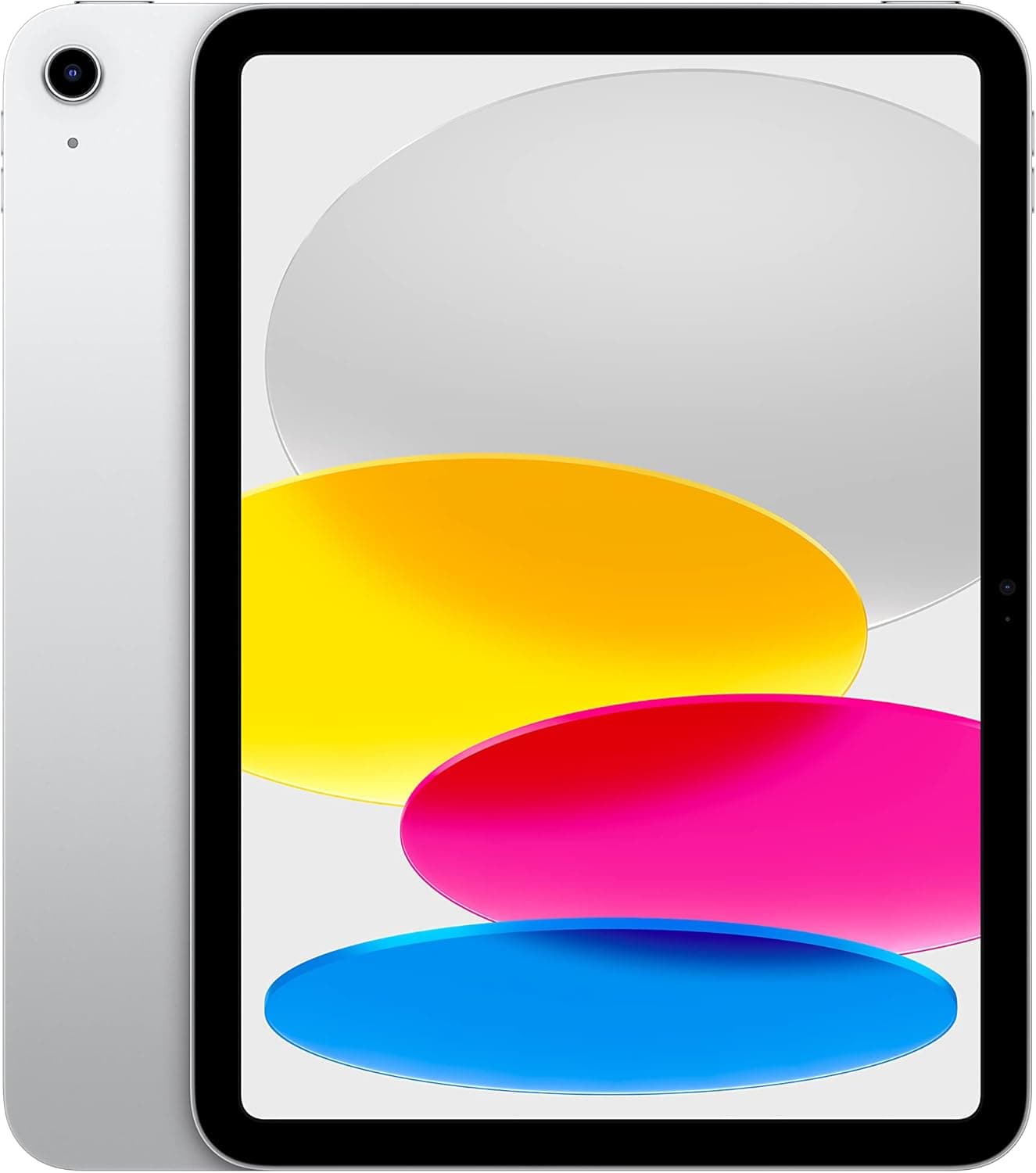
The verdict
A strong general-purpose tablet for most buyers, but check Apple Pencil compatibility carefully before buying if stylus support is a priority — it's more complicated on this model than on the Pro or Air line.
Pros
- Full-screen redesign with USB-C finally brings the base iPad's design in line with the Pro and Air models
- Strong access to iPadOS's mature app ecosystem, which remains a real differentiator versus Android tablets
- A16 chip-equivalent performance is genuinely capable for browsing, media, and everyday productivity
- Compatible with the first-generation Apple Pencil via an adapter, or second-gen with certain caveats
Cons
- Apple Pencil compatibility is confusingly split across generations depending on exact configuration — a genuine point of buyer confusion
- Base storage tier is limiting for anyone doing serious creative or video work
This review is based on Apple's published iPad (10th generation) specifications and the consistent pattern in buyer feedback: strong praise for the redesign and USB-C addition, with Apple Pencil compatibility confusion as the most commonly repeated complaint.
The Pencil compatibility issue is worth understanding before buying
Apple's pencil lineup compatibility varies by iPad generation in a way that genuinely confuses first-time buyers — this model works with specific Pencil generations only through specific adapters, unlike the more straightforward compatibility on the Pro and Air lines. Check the current official compatibility chart before assuming any Pencil works.
Who it's for
Right for most general tablet buyers wanting browsing, media consumption, and light productivity — verify Pencil compatibility specifically if stylus input matters, or consider the iPad Air instead for simpler compatibility.
Frequently asked
- Which Apple Pencil works with this iPad?
- Check Apple's current official compatibility chart before buying — this specific generation has notably more complicated Pencil compatibility than the iPad Pro or Air line, often requiring a specific adapter.
- Is it good enough for kids' schoolwork?
- Yes — it's a common choice for students given the balance of price, iPadOS app ecosystem, and general performance for typical schoolwork and browsing tasks.
You might also like
Mobile Phones & Tablets
Combo Touch Keyboard Case for iPad
Logitech · Ages 13+ years
- Two-piece magnetic design lets you detach the keyboard entirely and keep just the protective kickstand case for video or reading
- Kickstand offers more flexible viewing angles than Apple's Magic Keyboard, which is limited to a narrower recline range
- The trackpad clicks noticeably louder than Apple's Magic Keyboard, which some reviewers found distracting in quiet settings
Mobile Phones & Tablets
Anker Prime Power Bank (20K, 200W)
Anker · Ages 13+ years
- 200W total output across two USB-C ports and one USB-A port can genuinely fast-charge two laptops simultaneously, not just phones
- Real-time digital display shows exact battery percentage and wattage draw, rather than a vague 4-LED indicator
- At $129.99 list price, it's genuinely expensive for a power bank, even accounting for its high-end output
Mobile Phones & Tablets
Ultra Hybrid MagFit Case for Galaxy S25
Spigen · Ages 13+ years
- Dual-layer TPU-and-polycarbonate build stays slim while still passing Spigen's drop testing at 48 inches across repeated drops
- Built-in MagFit magnets add Qi2-style magnetic charging and accessory support to a phone that doesn't natively have it
- Clear cases, even with anti-yellowing coating, will still show some wear and micro-scratches over many months of use
Buy from Amazon